
How It Works
Create your free account
Sign up with your name, email and phone, then confirm your email. You start with 20 free credits.
Upload a photo
A room, a house exterior or a yard — JPG, PNG or iPhone (HEIC) photos, one or several at once.
Choose the change
Pick one or more presets (like Curb Appeal + Exterior Refresh) or describe the change in your own words.
Pick the AI
ChatGPT or Gemini. Try both and keep the result you like best.
Generate and refine
Each new image uses 1 credit. Each refine ("now make the floor darker") also uses 1 credit. If a generation fails, the credit is given back automatically.
Save and share
Every result is saved automatically to your Library on all your devices (up to 500), organized by project and room. Download it as an image, a slider video or a project PDF/ZIP.
More you can do
Several photos and a collage
Add several photos at once. Transform each one, or choose "Transform each photo + make a collage" to also get one collage of the results. "Use all photos in one image" sends every photo in the row to a single generation.
Speak instead of type
Tap the microphone next to a text box and say it. Your words appear in the box, and you can edit them before you continue. It works for the change you want and for room notes.
Refine with either AI
Refine a result with ChatGPT or Gemini, whichever you like. Each refine uses 1 credit.
What changed / What do I need?
"What changed" lists the changes in your result. "What do I need?" lists the trades and materials the change would call for. You can edit both.
Room details
Add a room's name, length, width, ceiling height, floor and notes. Square feet is worked out for you. Photos of the same room are kept together.
Names and folders
Your Library is organized as projects, then rooms, then photos. Projects and rooms get names and numbers automatically, and you can rename them.
Downloads
Download a result as an image or as a slider video (MP4). Download a whole project, or just the photos you pick, as a PDF or a ZIP.
Team accounts
The owner pays. The owner shares a team link, and each member joins through it with their own account. Each email address can have one account.
Good to know
Every transformation is a visual idea to help you picture what's possible — not a plan or a guarantee of exact sizes, materials or results. If your idea includes structural changes, like moving a wall, raising a ceiling or adding a deck, please check with your local building department first. Don't have a contractor yet? A local contractor can tell you what's possible and what it would take.
Only results with structural changes carry the building-department label: "Any structural changes shall be checked with your local building department."
See the difference
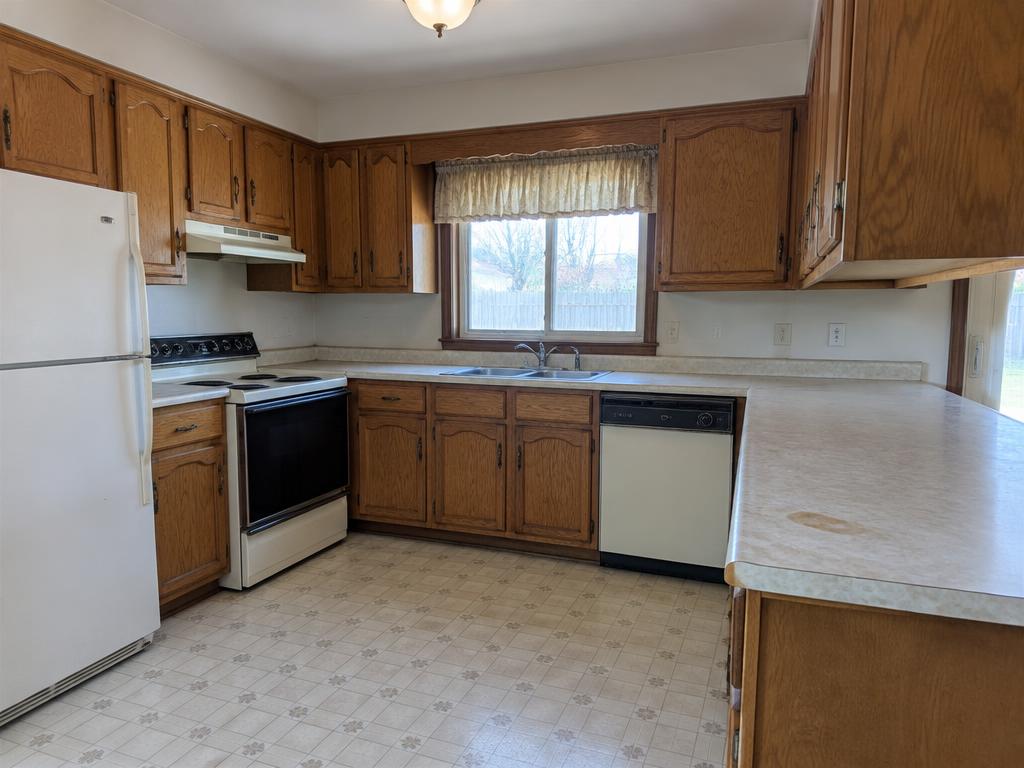
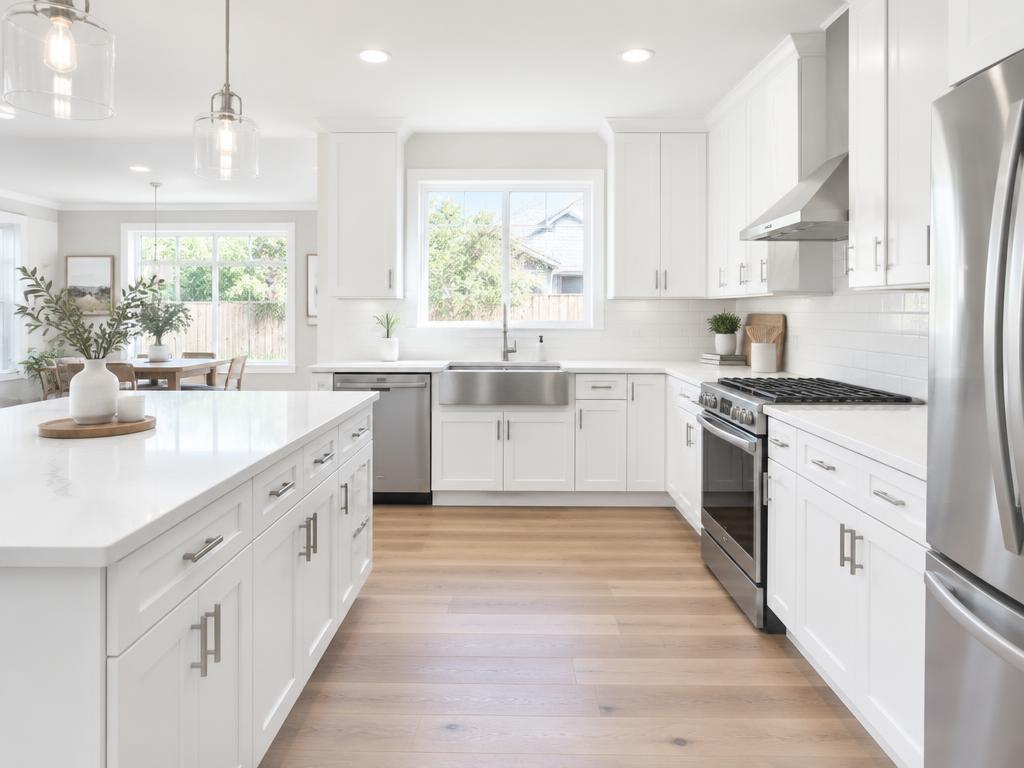
Kitchen: new cabinets and countertops
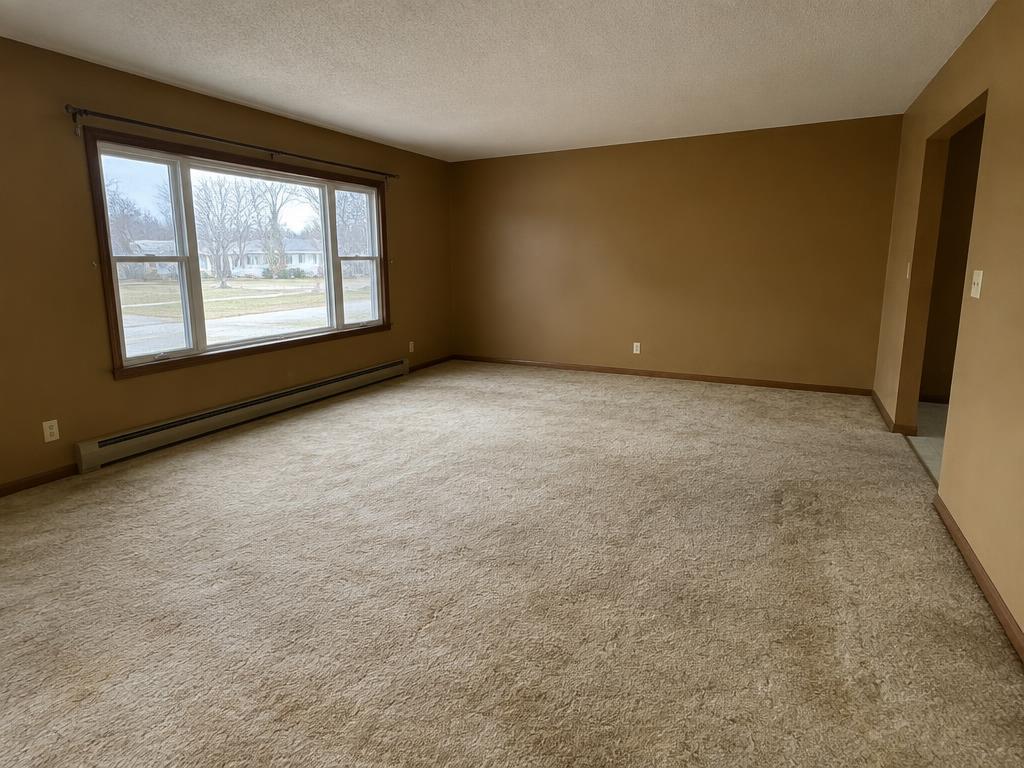
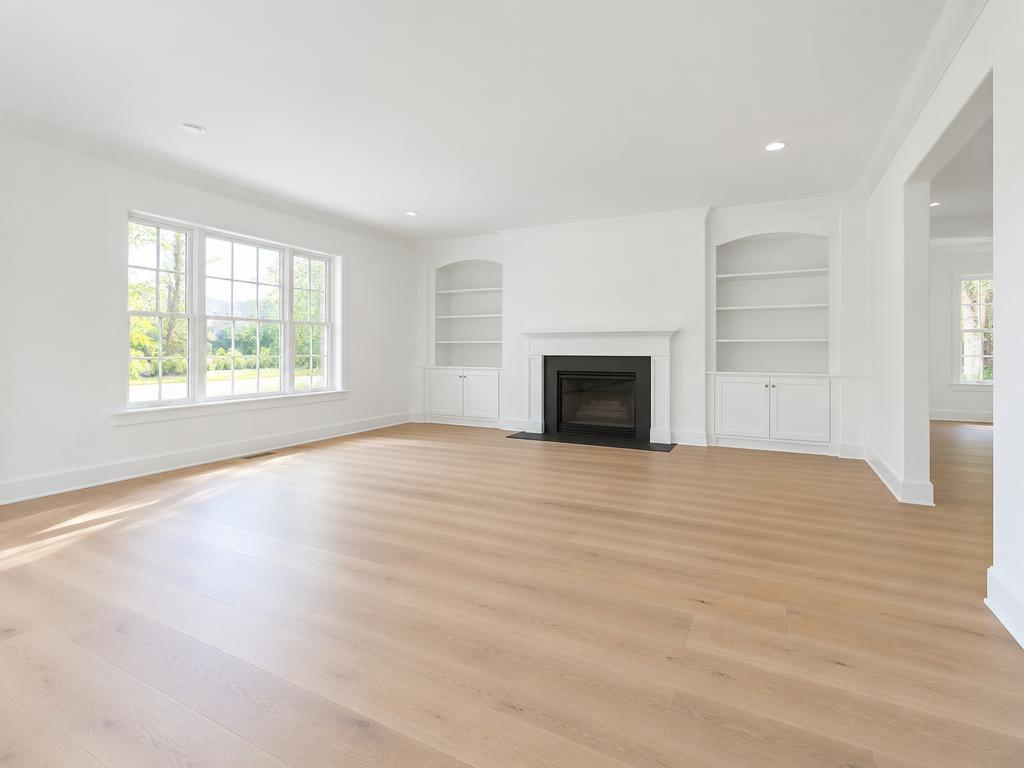
Living room: new flooring and paint
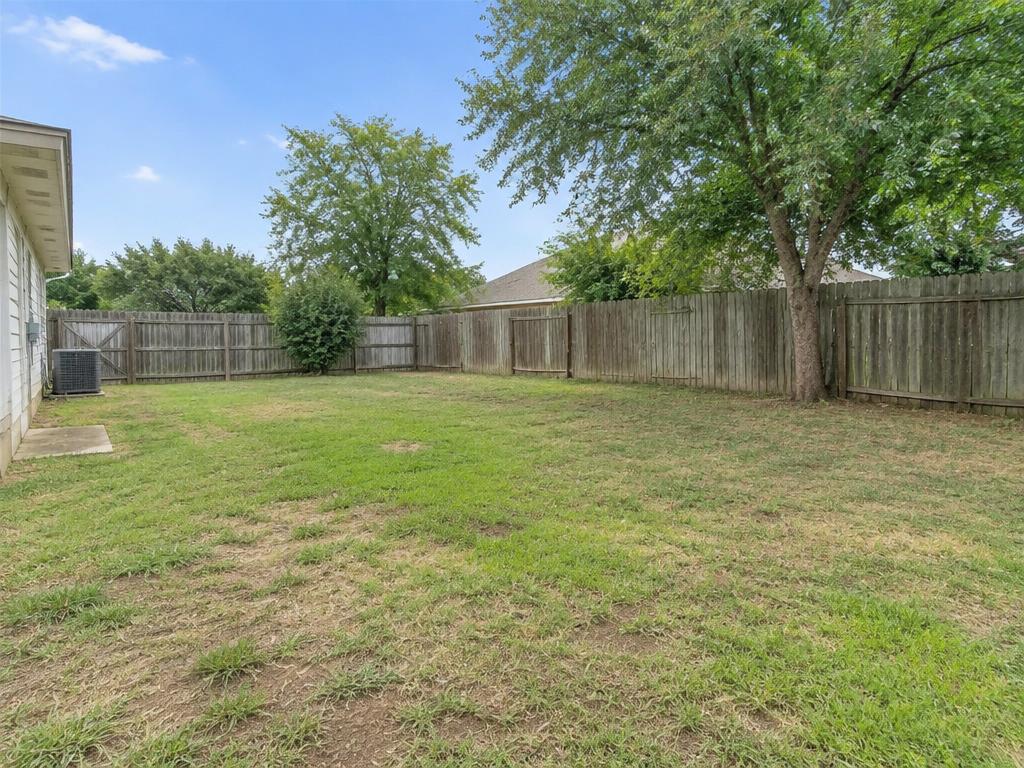
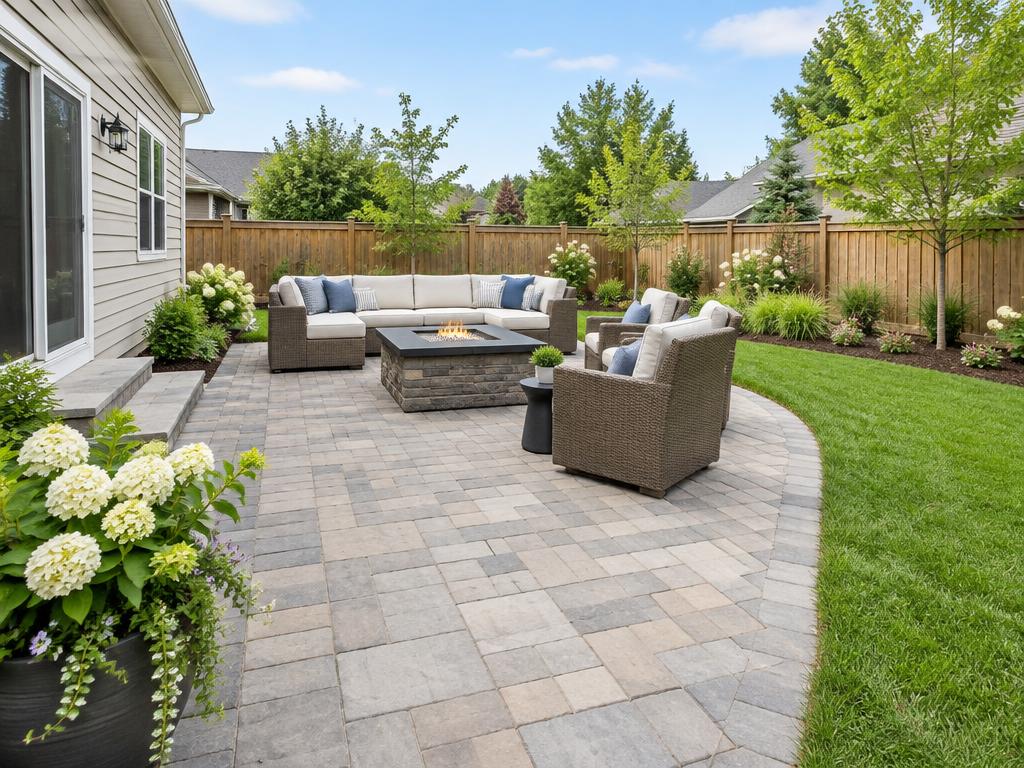
Backyard: new patio and landscaping
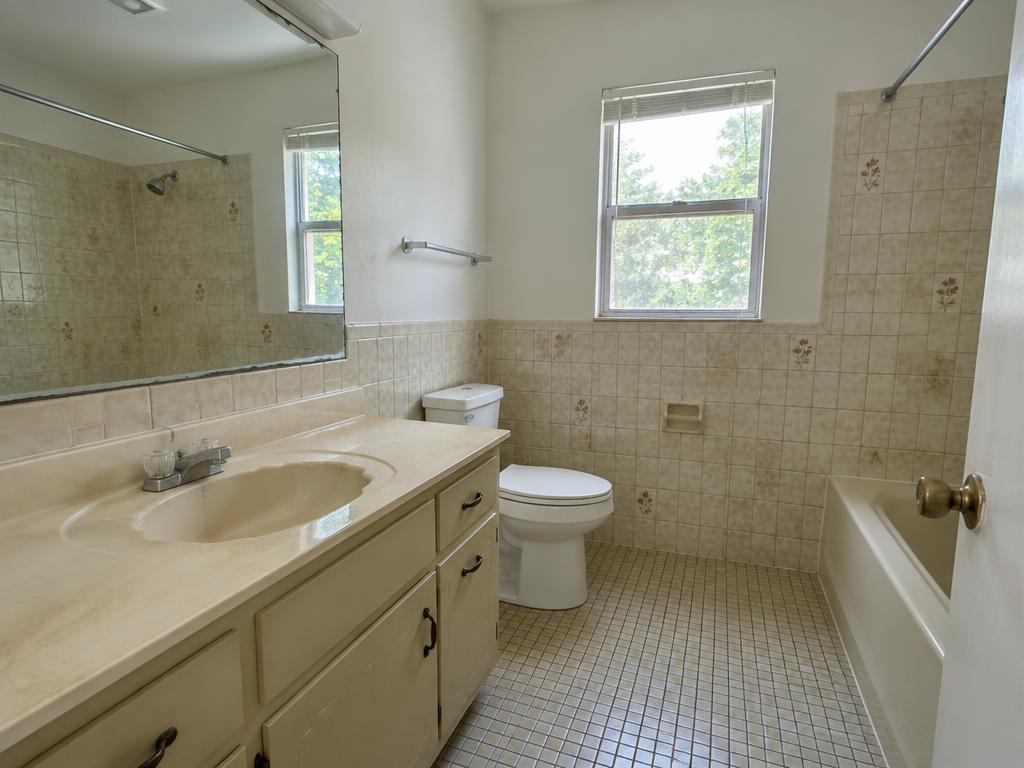
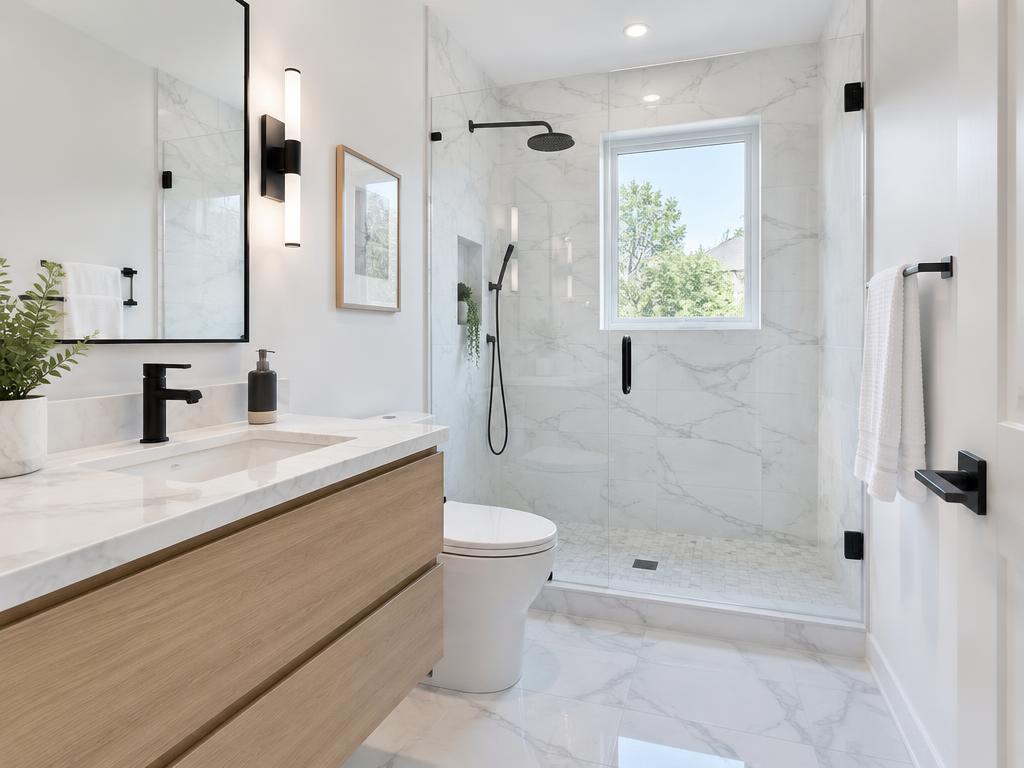
Bathroom: new tile and fixtures
Credits and plans
Free
$0
20 free credits when you sign up. 1 credit = 1 image or 1 refine.
Subscription
$9.99/month ($4.99 first month)
50 credits every month. Unused credits roll over. Renews automatically until you cancel. Cancel anytime.
Credit packs (subscribers only)
100 credits – $15
500 credits – $50
1,000 credits – $90
Pack credits never expire.
Available to subscribers
After you subscribe
First month half off
Pay $4.99 for your first month (normally $9.99). You get 50 credits right away.
Every month after
$9.99 with 50 new credits. Unused credits roll over.
Need more?
Add a credit pack anytime: 100 for $15, 500 for $50 or 1,000 for $90. Pack credits never expire.
Manage anytime
In Settings: see your renewal date, update your card or cancel. You keep your credits after cancelling.
Tell us what you think
A short 5-question review appears after your first week or when you buy more credits. You can also give feedback anytime in Settings.
Market research (add-on)
Available on request. Enter an address and a radius of 1 to 20 miles and get a one-page market report: nearby homes for sale and recently sold, price per square foot, days on market, a market outlook with the expected sale range, a map, and a value calculator you can adjust.
Need more? 25 extra reports for $9.99. Questions? support@techstacktn.com
Need help?
Email support@techstacktn.com